Brush
Draw and mark up freely anywhere on your PDF. Choose the color, thickness and line style to make every mark your own.


Mark up, measure, and collaborate on any PDF with ease — without leaving your SANZE workspace.
Draw and mark up freely anywhere on your PDF. Choose the color, thickness and line style to make every mark your own.
Mark up anything on your PDF just like using a highlighter on paper. Easily adjust the color, thickness and line style to highlight your way.

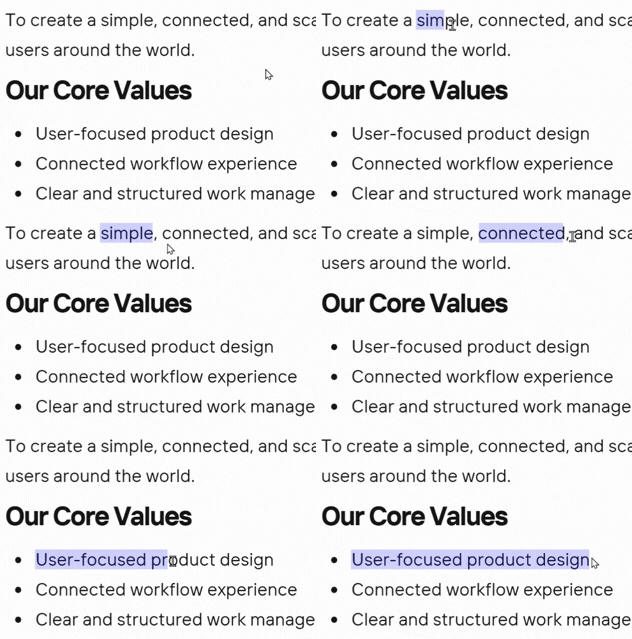
Select text directly on your PDF whenever you need to focus on specific words or passages. Quickly pick the exact text you want to work with.
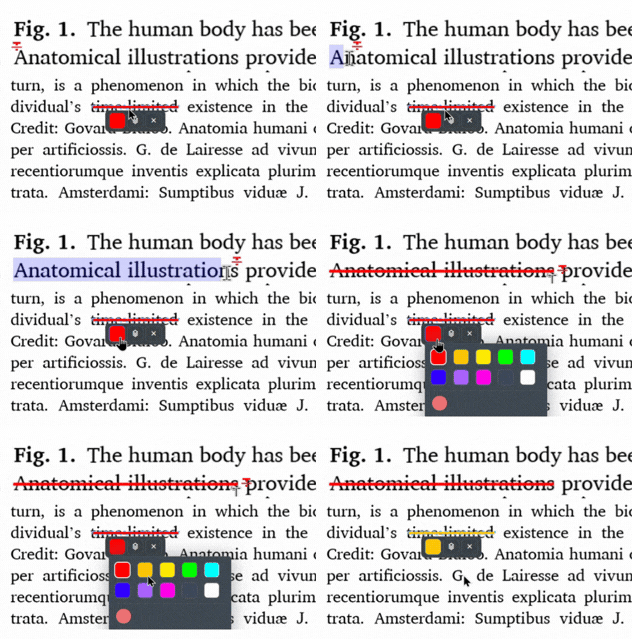
Cross out text that is wrong or no longer needed while keeping it visible on the page. Choose a color to make your changes clear.
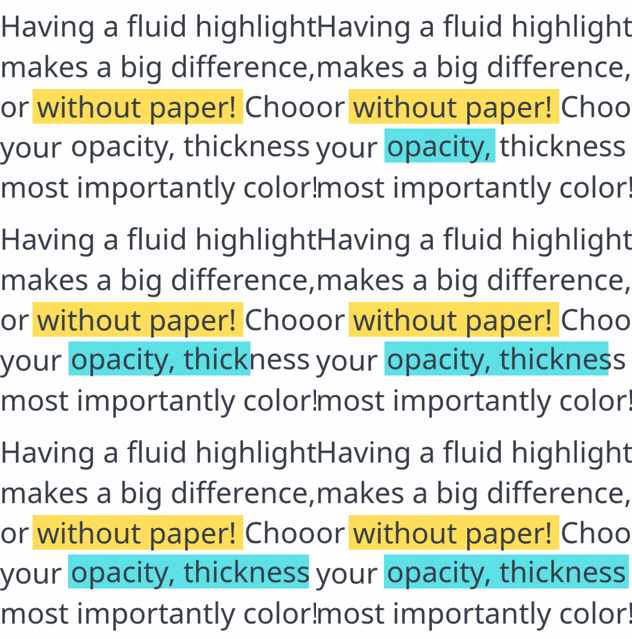
Make important words and passages stand out without covering the text. Choose a color to make key information easy to spot.
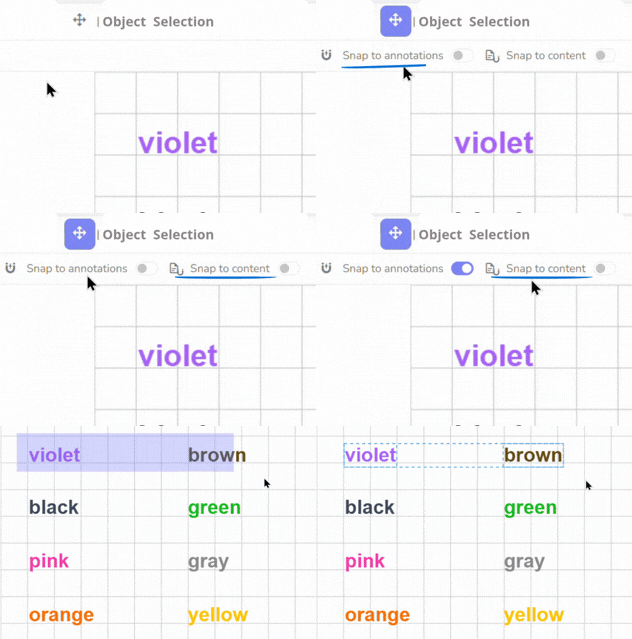
Select objects on the page and work with them directly. Easily pick images, shapes, and other added elements when you need to adjust them.
Draw attention to important text with a simple underline. Choose a color to make key words and sections stand out.
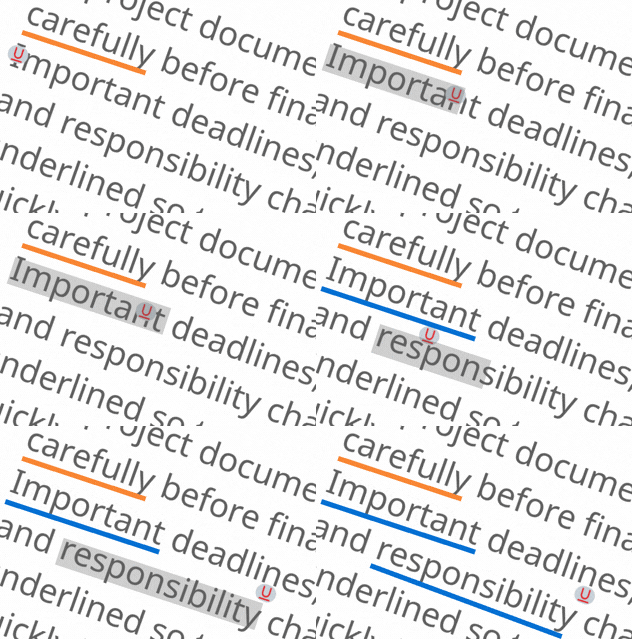
Made a mark you no longer need? Easily erase drawings and supported markups as you work. Highlights, underlines and strikeouts stay in place.
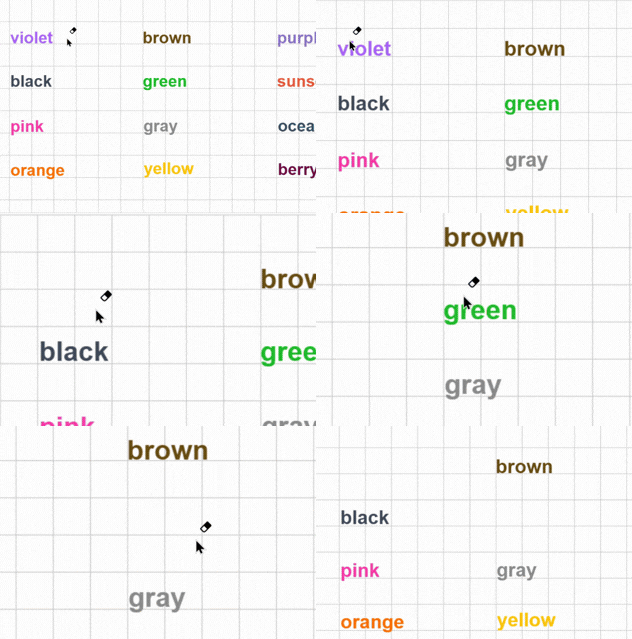
Move around your PDF freely without changing anything on the page. Simply click and drag to explore different parts of the document.
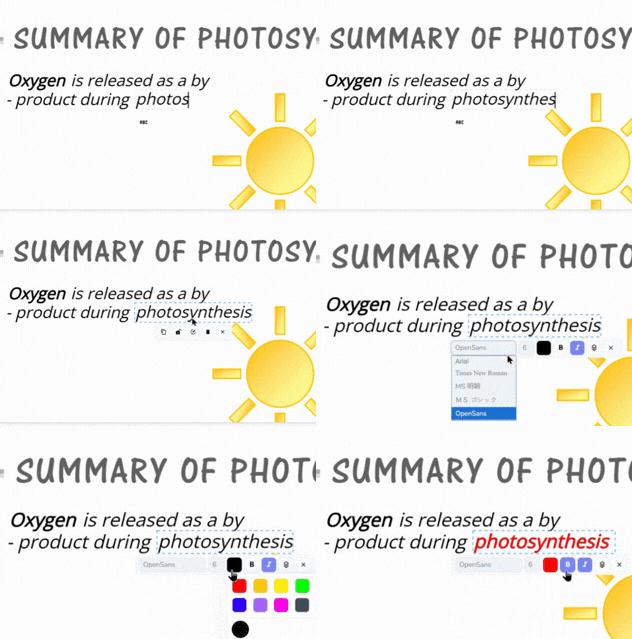
Add text anywhere on your PDF with ease. Choose the font, size and color, and use bold or italic to make your text fit naturally with the document.
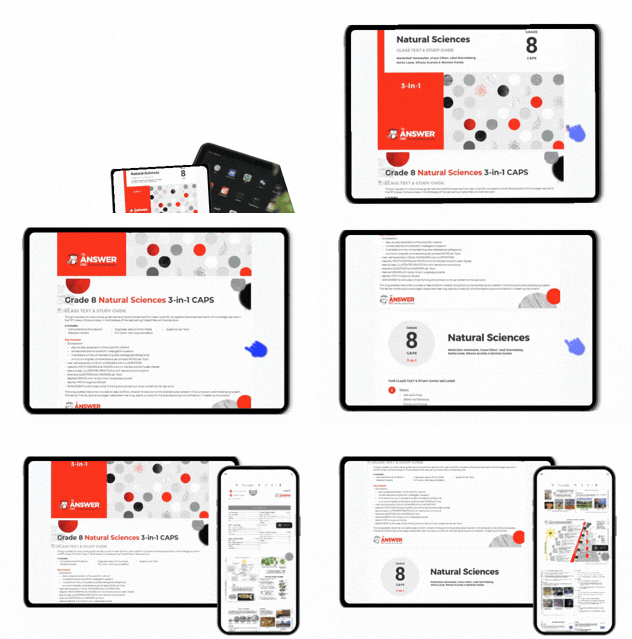
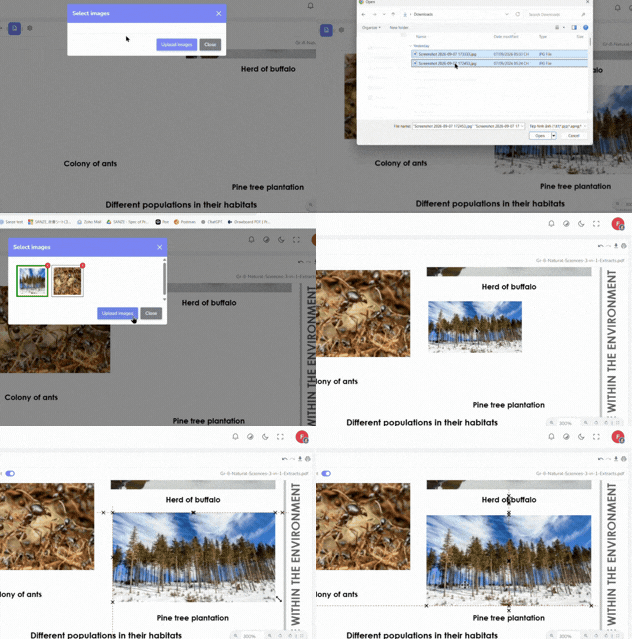
Add images directly to your PDF wherever you need them. Upload your images, place them on the page and adjust them to fit your document.
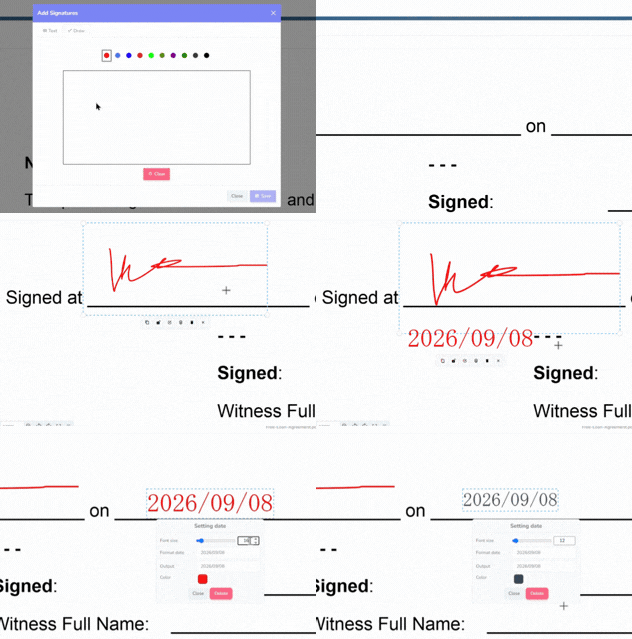
Sign, approve or verify documents with signatures and stamps. Choose the one you need, place it directly on the PDF and adjust its size or date when needed.
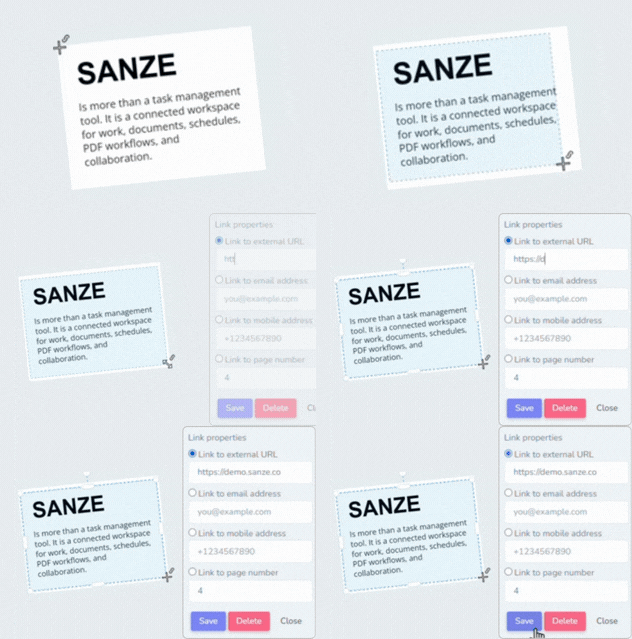
Turn any area of your PDF into a clickable link. Link to a webpage, email address, phone number or another page in the document, with links that continue to work after download.
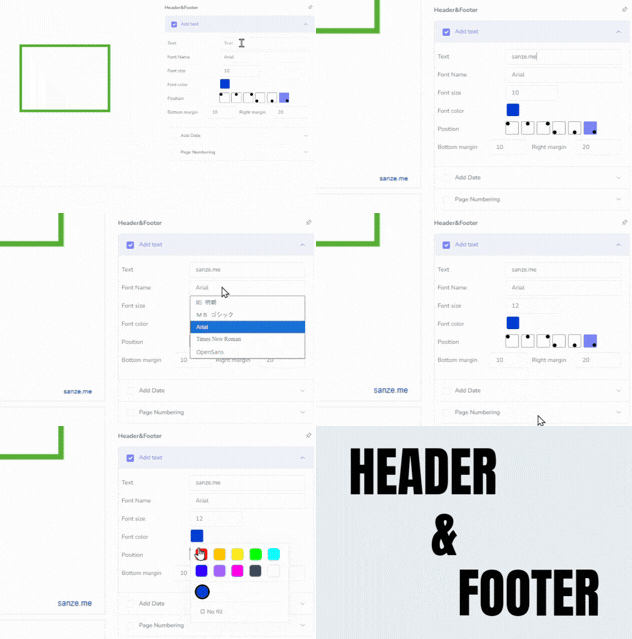
Add useful information to the top or bottom of your PDF. Insert custom text, dates or page numbers and adjust the font, color and position to suit your document.
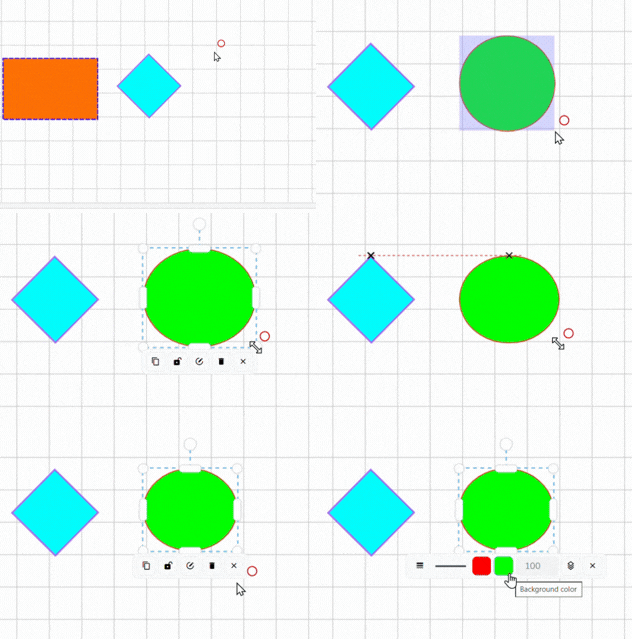
Use rectangles and ellipses to mark, frame or draw attention to any area on your PDF. Customize the border, fill, thickness, line style and opacity to suit your markup.
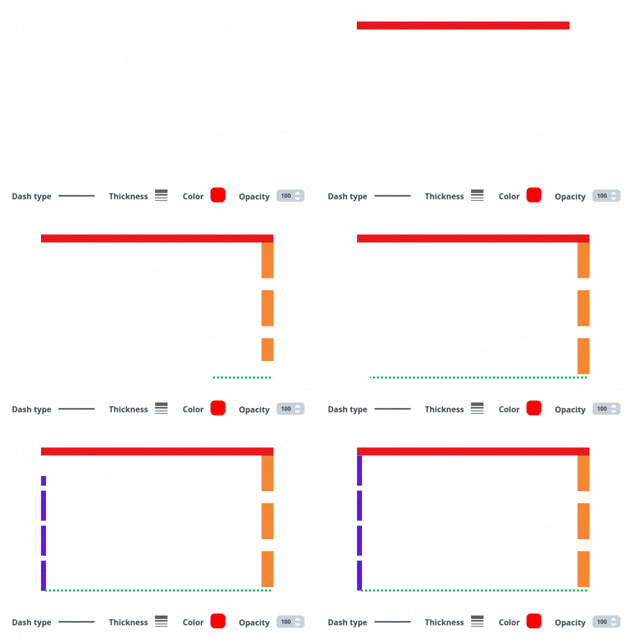
Add straight lines to connect points, separate areas or mark important details. Easily customize the color, thickness, line style and opacity.
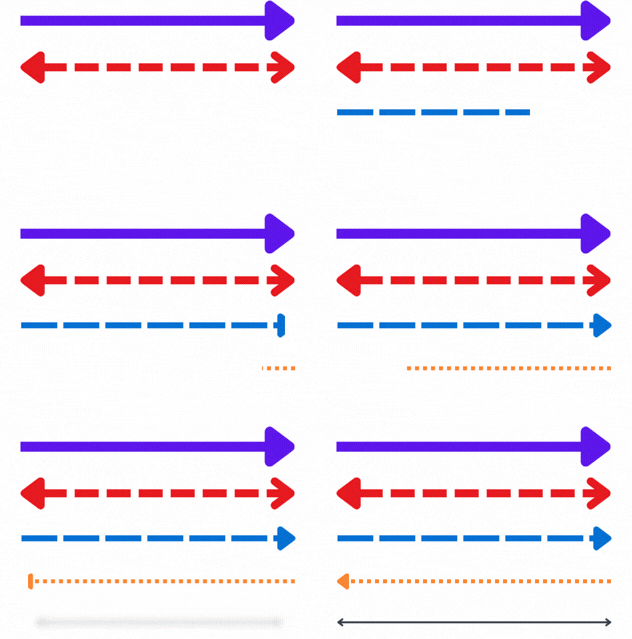
Point out exactly what matters or show direction between details. Choose one-way or two-way arrows and customize the color, thickness, line style and opacity.
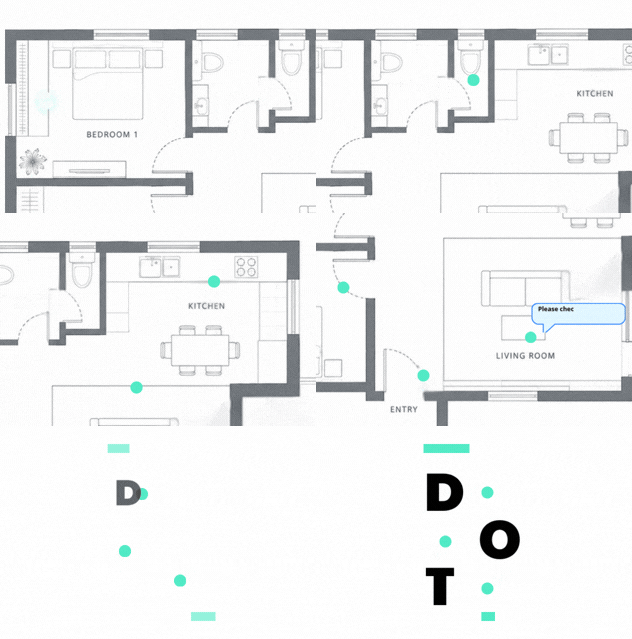
Mark exact points with a simple, easy-to-see dot. Resize it and adjust the color and opacity to make each point clear.
Mark incorrect, rejected or important areas with a clear X. Resize it and adjust the color and opacity to make your mark easy to see.
Add a Y mark wherever you need a simple visual reference. Resize it and choose the color and opacity that work best for your PDF.
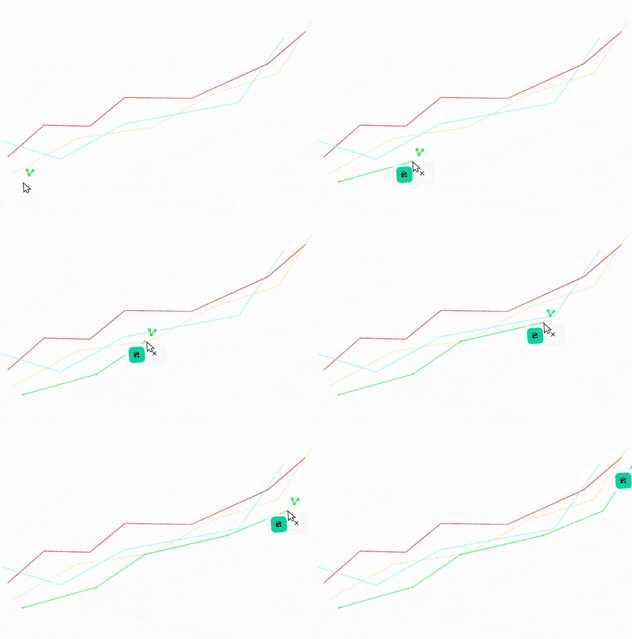
Draw connected line segments to mark paths, boundaries or detailed areas on your PDF. Customize the lines to fit what you need to show.
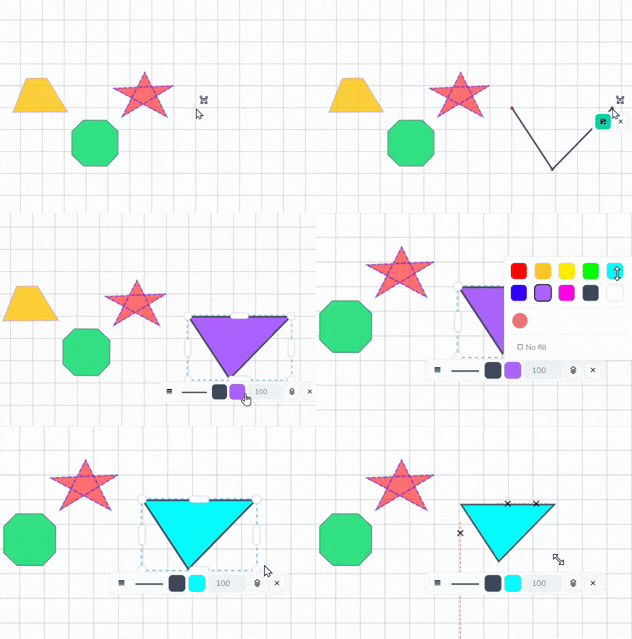
Add multi-sided shapes to outline or mark specific areas on your PDF. Perfect for highlighting irregular spaces that a rectangle or ellipse cannot cover.
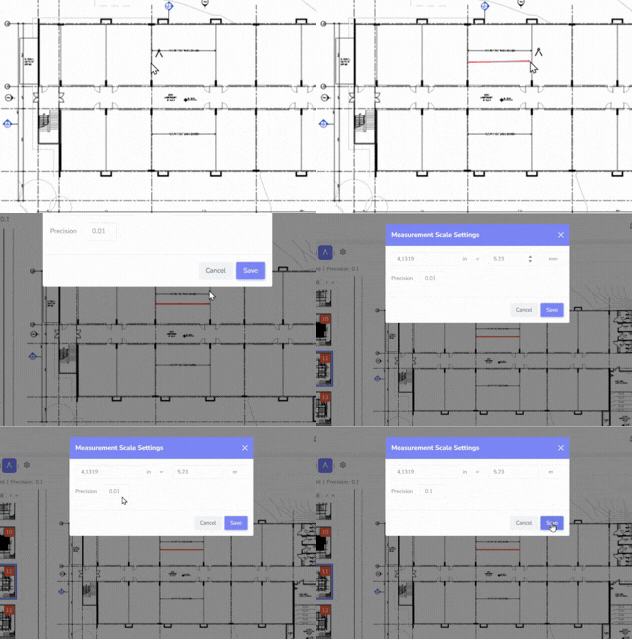
Set the measurement scale so distances and areas on your PDF match the real dimensions of your plan or drawing.
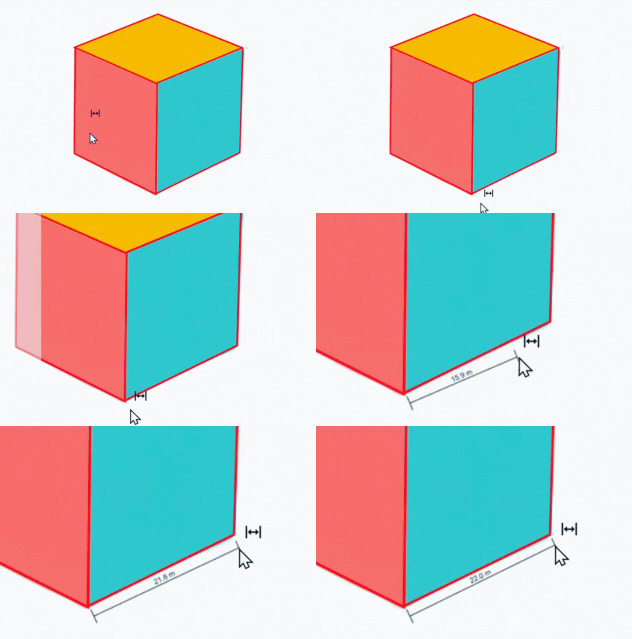
Measure the straight-line distance between any two points on your PDF with accuracy.
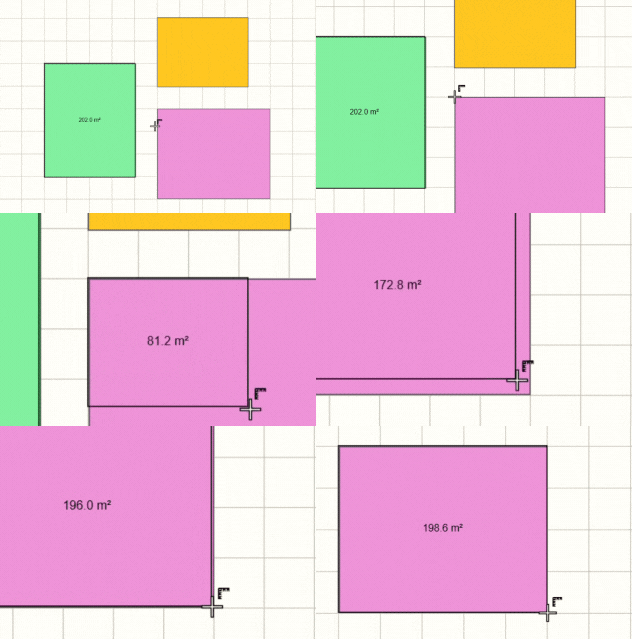
Measure the area of a rectangular section with a simple click and drag. Get the result instantly without calculating it yourself.
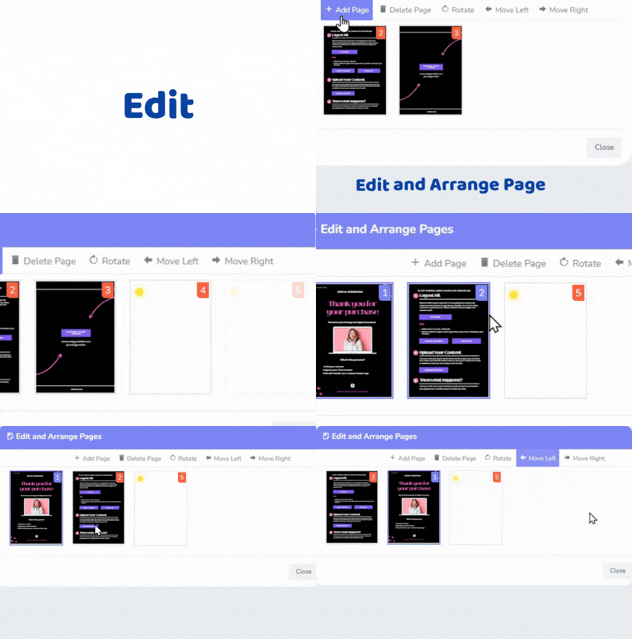
Add new pages, delete pages you don’t need, rotate them, or move them into a different order.
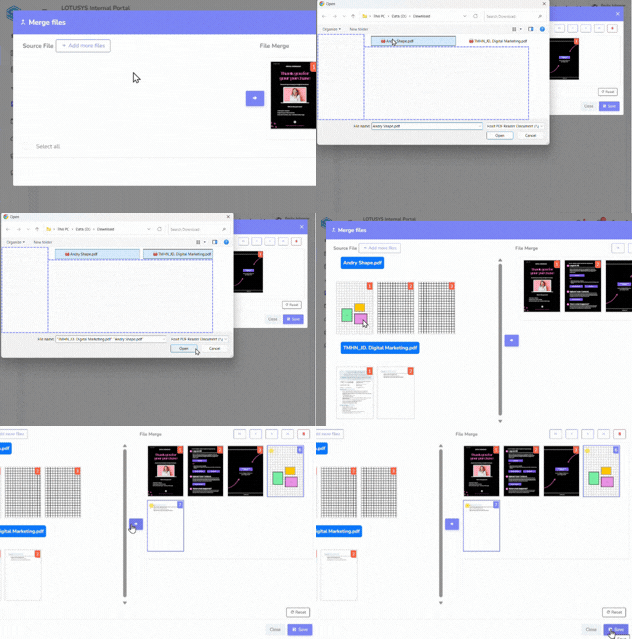
Put pages from different PDF files together into one file. Pick the pages you want and arrange them before combining them.
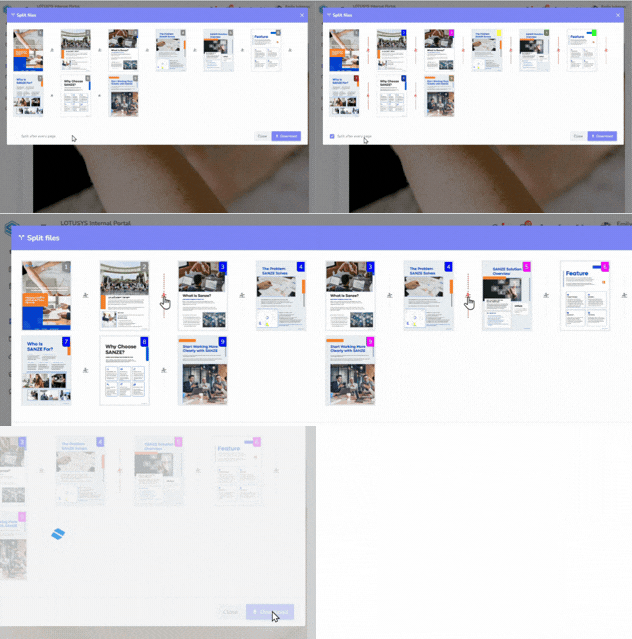
Break one large PDF into smaller PDF files. Choose which pages you want to separate.
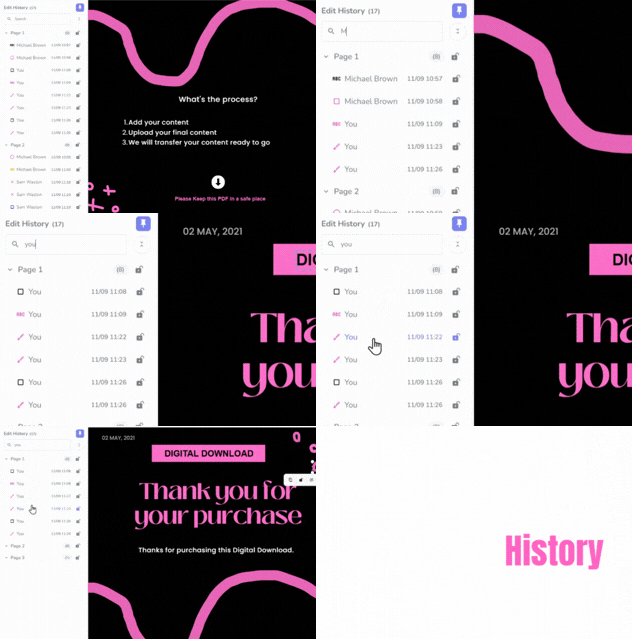
See what has been marked or drawn on the PDF, who added it, and when it was added. Search the list to find a specific markup quickly.
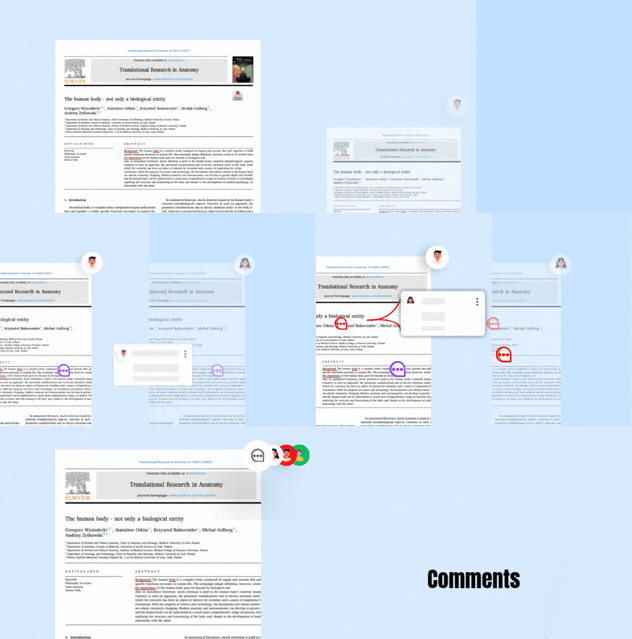
Leave comments on the PDF when you want to give feedback or explain something. You can also attach a file if a comment needs more detail.
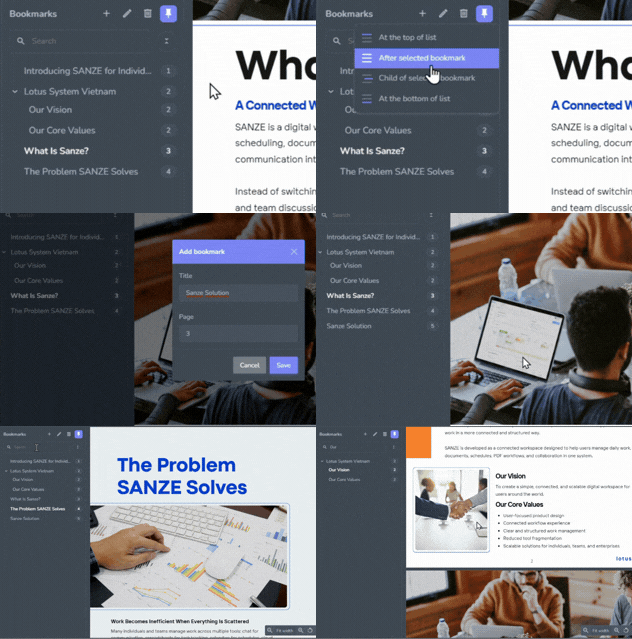
Save places you want to come back to later. Use bookmarks to jump quickly to important pages or sections in a long PDF.
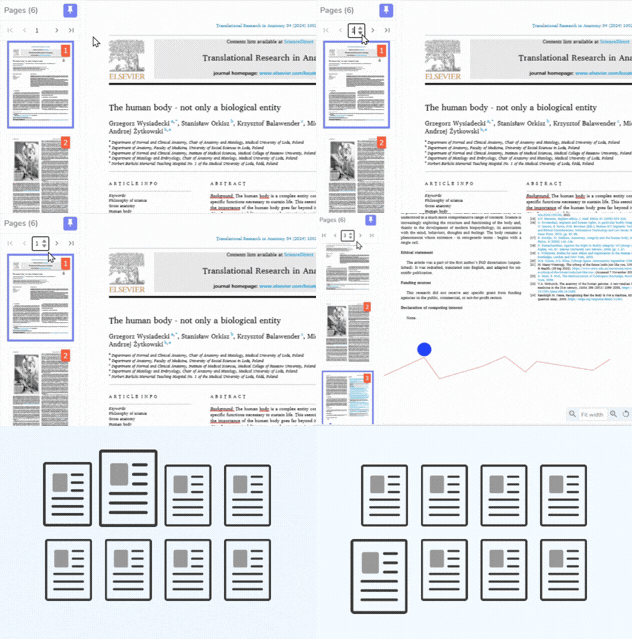
See small previews of every page in your PDF so you can quickly find the page you need and move through the document more easily.
If you have any questions, feel free to contact our team at info@lotusys.vn
Edit, annotate, sign, stamp, measure, and manage PDF documents in one centralized workspace.
Yes. View the editing history to see what was changed and when.
No. Open and edit PDF files directly in SANZE without switching to another application.
Yes. Measure length, area, and scale on technical drawings and PDF documents.
Yes. Add text, highlights, drawings, notes, and other annotations with ease.
Yes. Collaborate on the same document by reviewing, discussing, and updating it together.
Yes. Apply digital signatures and stamps directly to your PDF files.
Yes. Open and edit PDF files directly from Schedule, Project, and Document.