
Flexible Task Management
Organize, prioritize, and manage every task with complete visibility throughout the project lifecycle.
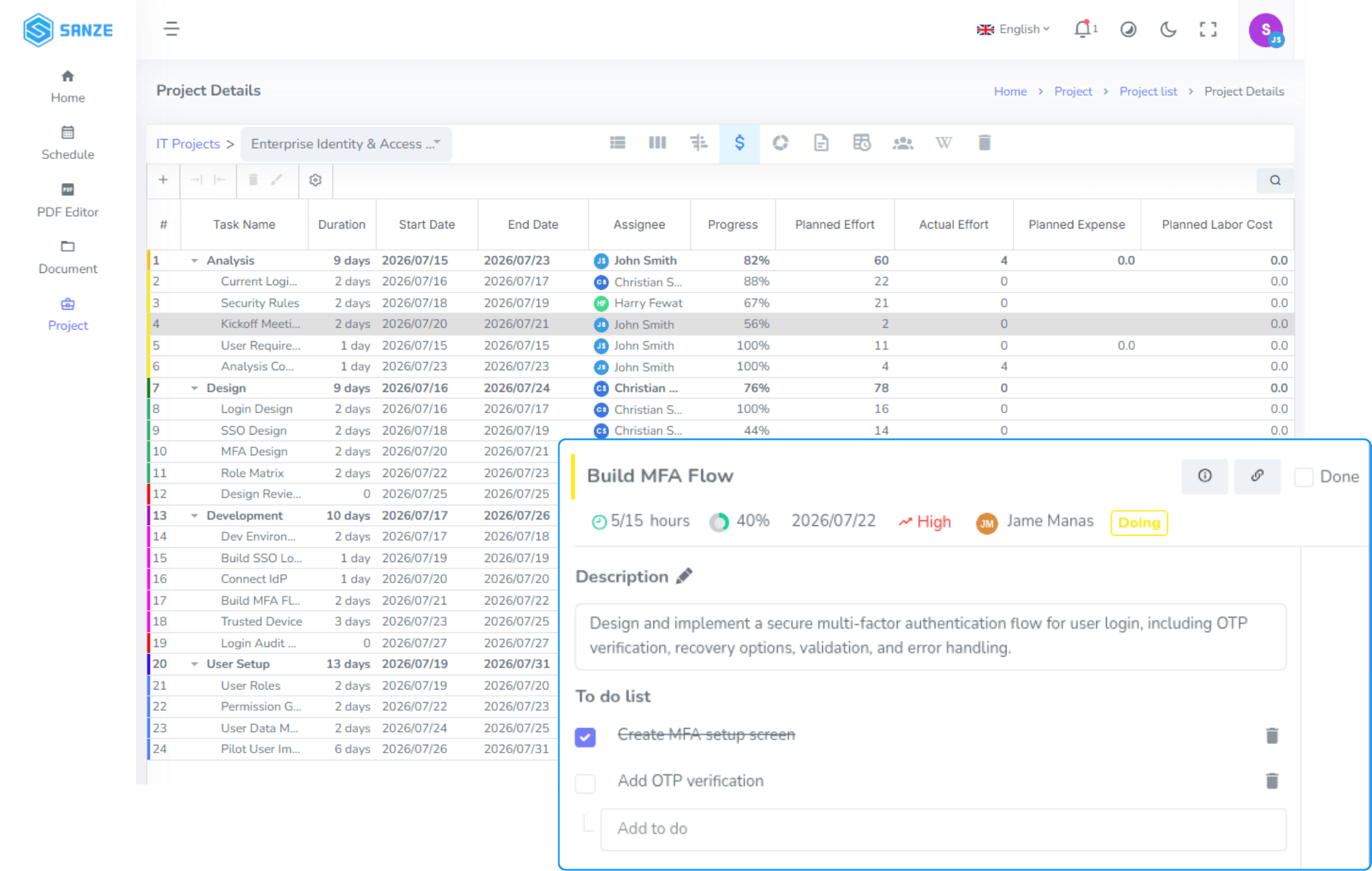
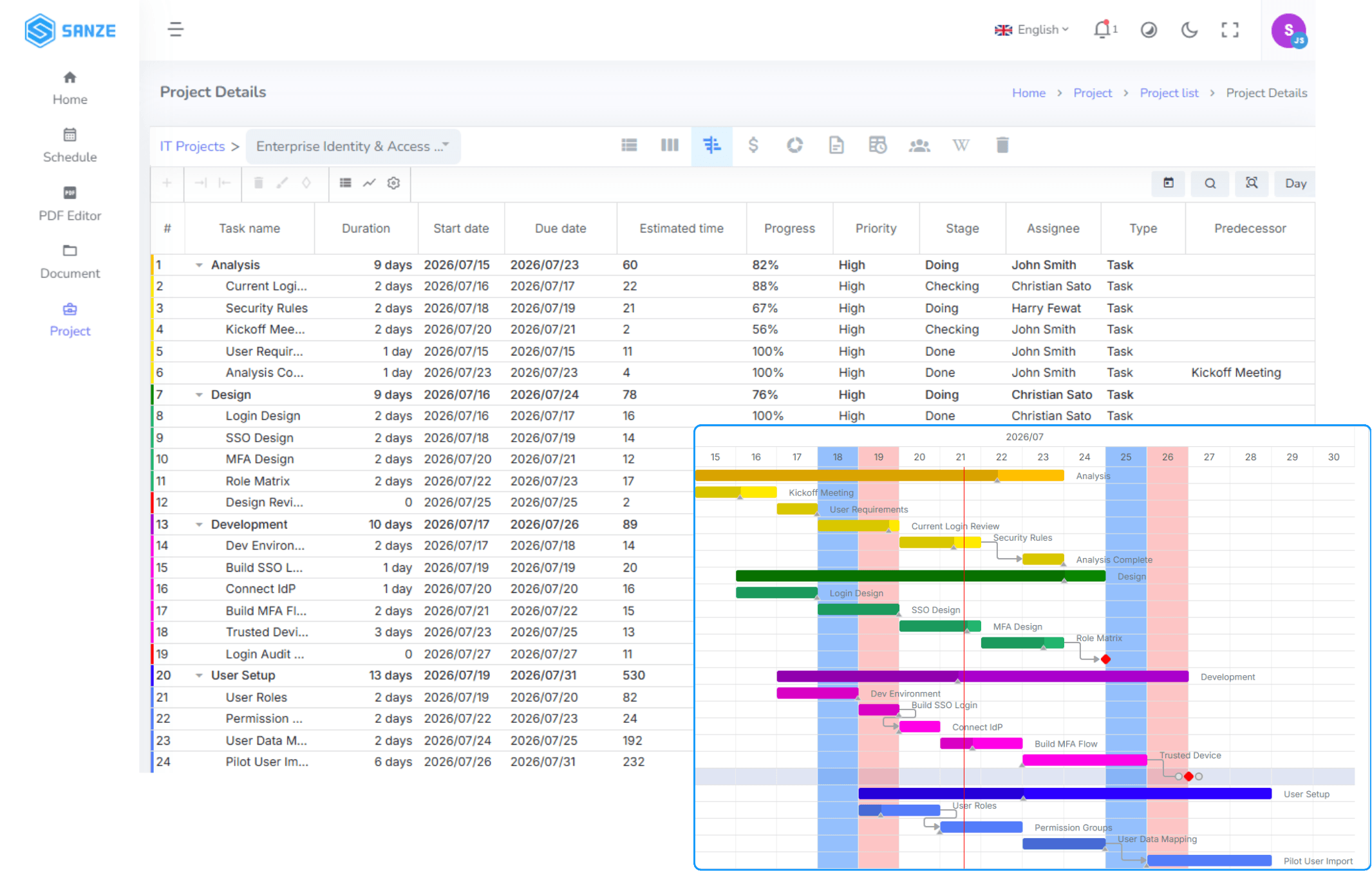
- Task List, Kanban & Multiple Views
- Drag-and-Drop Task Management
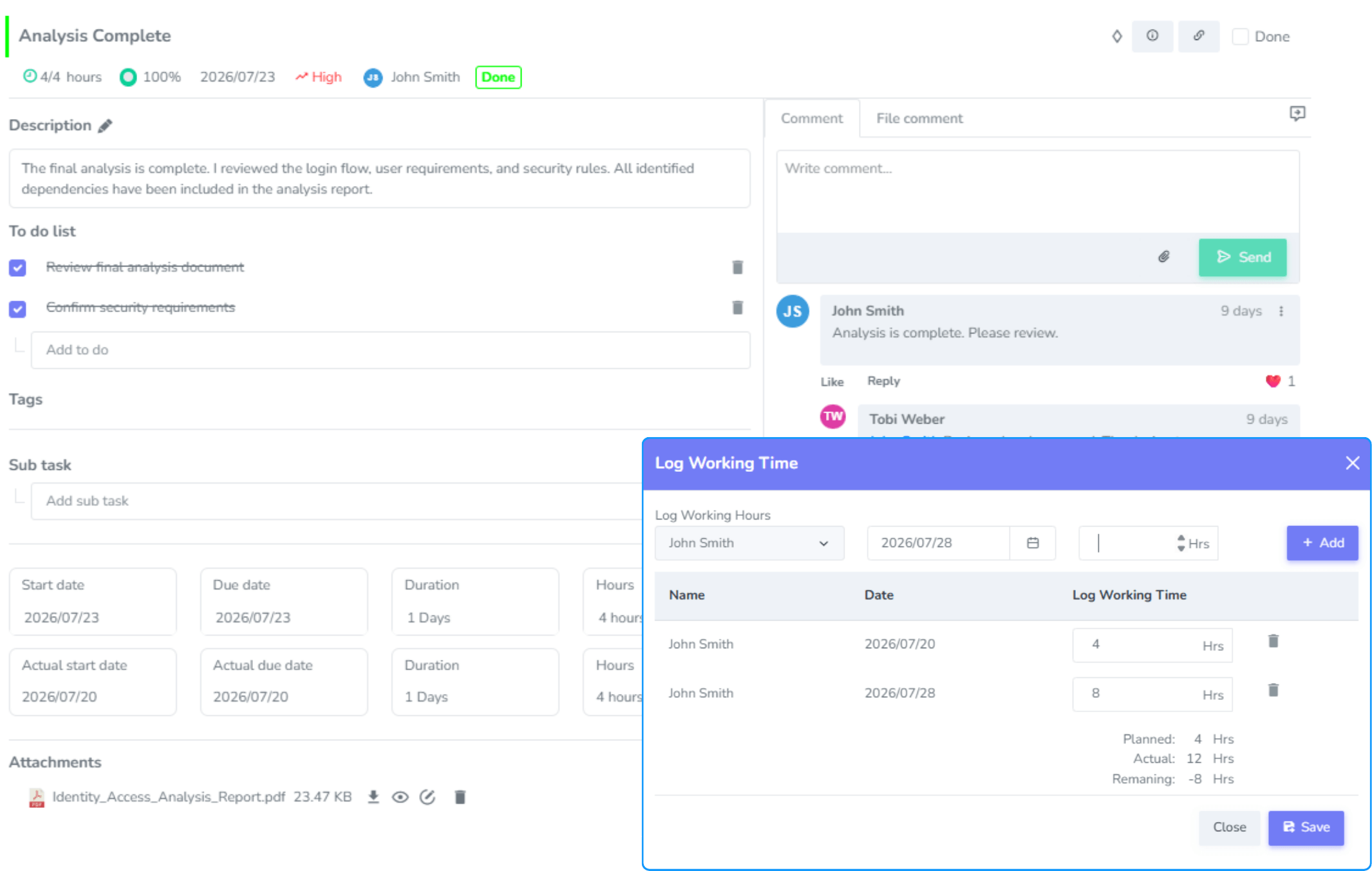
- Comprehensive Task Details

Brings everything together into one Digital Workspace, giving every team a shared view of what matters most—what's happening now, what's coming next, and how to move forward together.
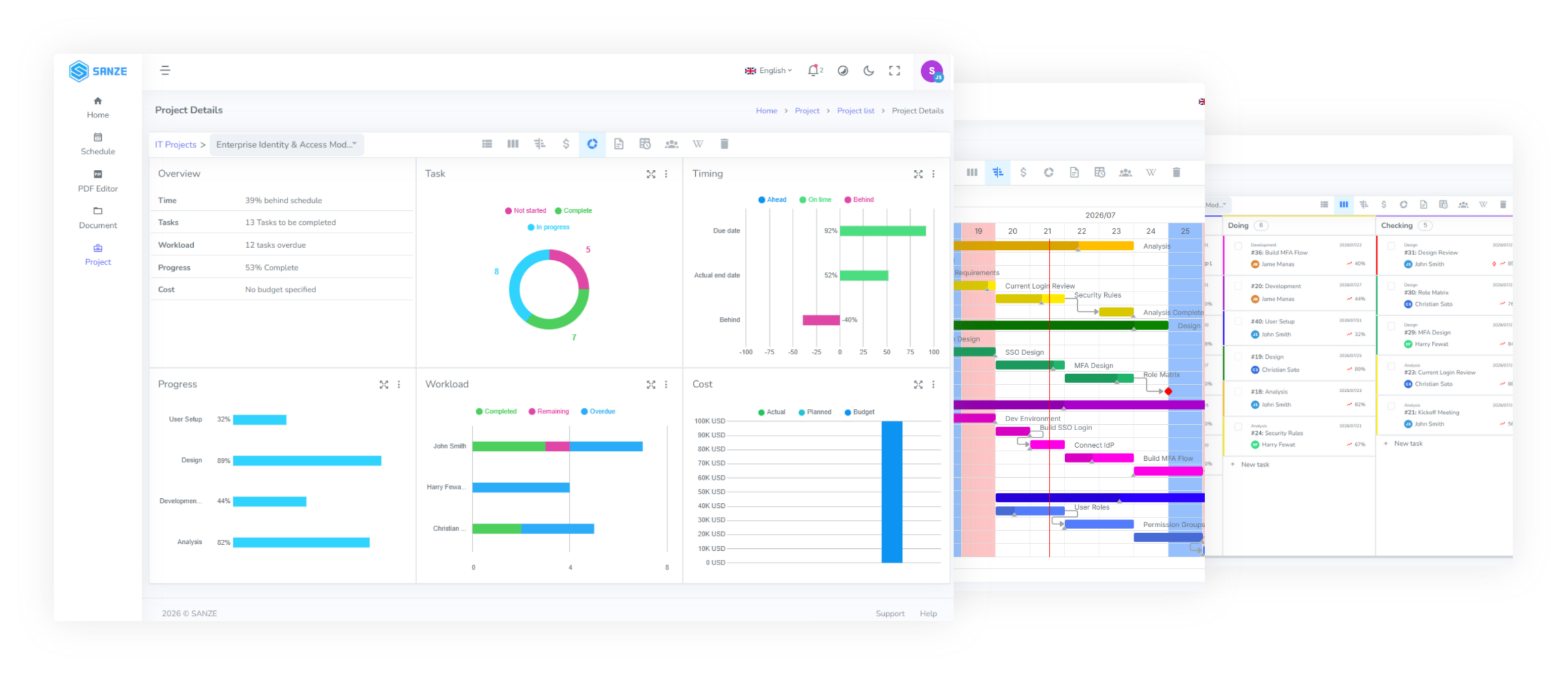
Bring plans, tasks, and teams together in one workspace, helping organizations execute projects more efficiently and achieve better outcomes.
Define goals, organize work, and give every project a clear direction from day one.
Keep everyone aligned with shared tasks, real-time updates, and seamless collaboration.
Track progress, respond to changes quickly, and keep projects moving toward successful completion.


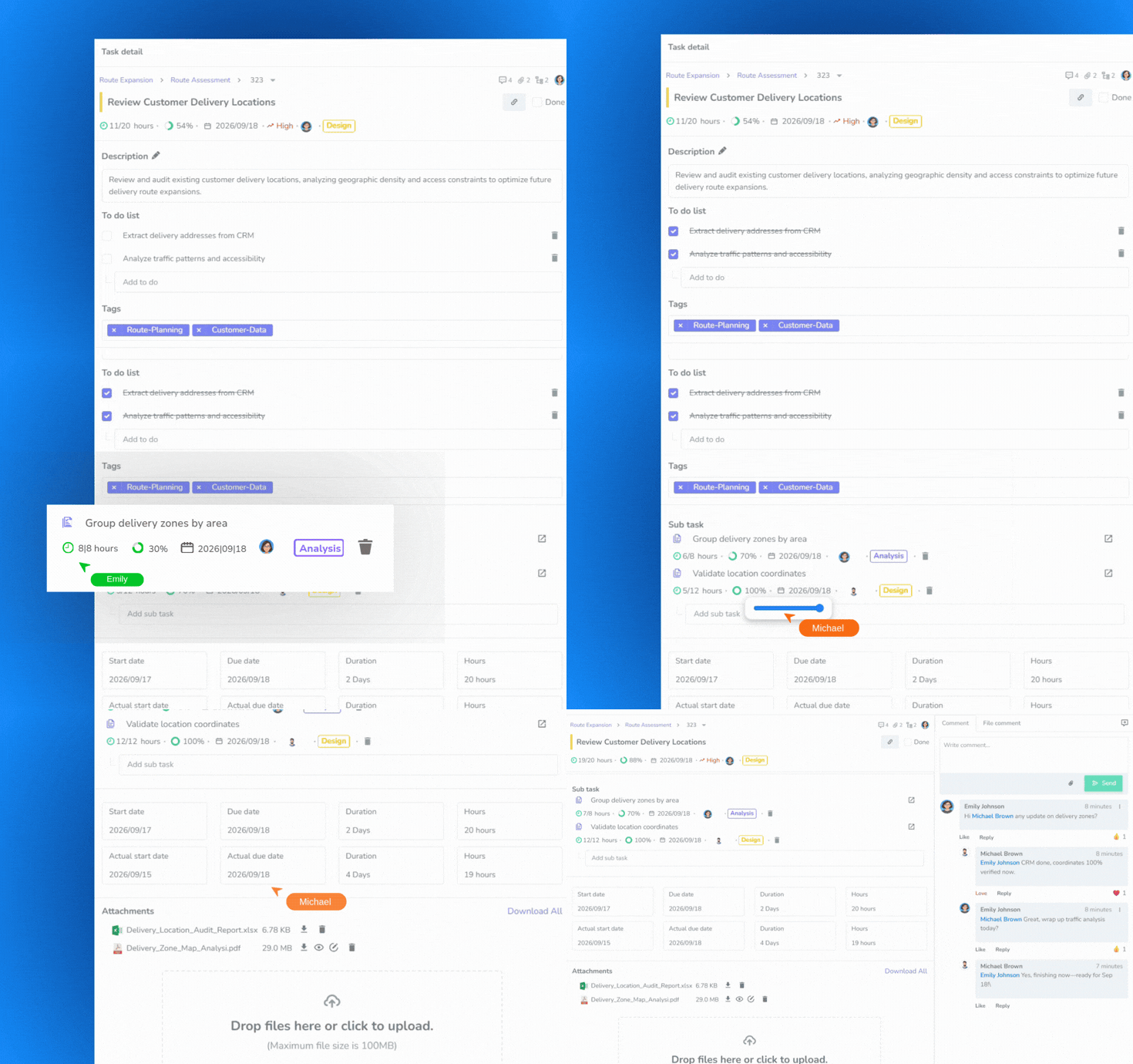
Organize, prioritize, and manage every task with complete visibility throughout the project lifecycle.
Plan projects more efficiently with interactive timelines, milestone tracking, and clear resource visibility.
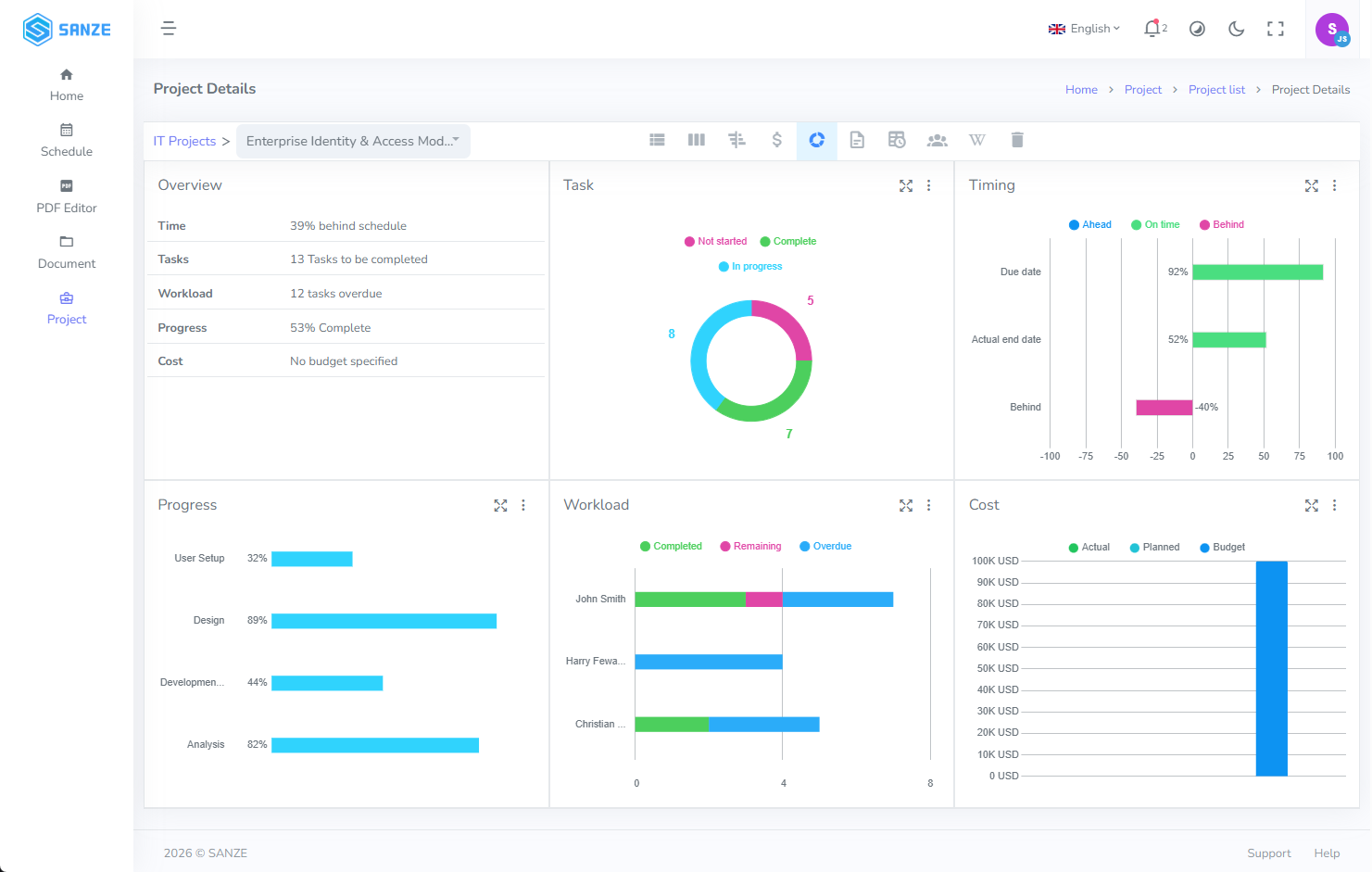
Monitor project performance and team capacity through real-time visual insights.
Keep communication connected to every task and improve collaboration across the entire team.
Plan projects, organize tasks, track progress, and collaborate seamlessly in one centralized workspace. SANZE Project helps teams stay aligned, adapt to change, and deliver every project with confidence.
Create a new project or start from a template. Define goals, timelines, milestones, and team members from the start.
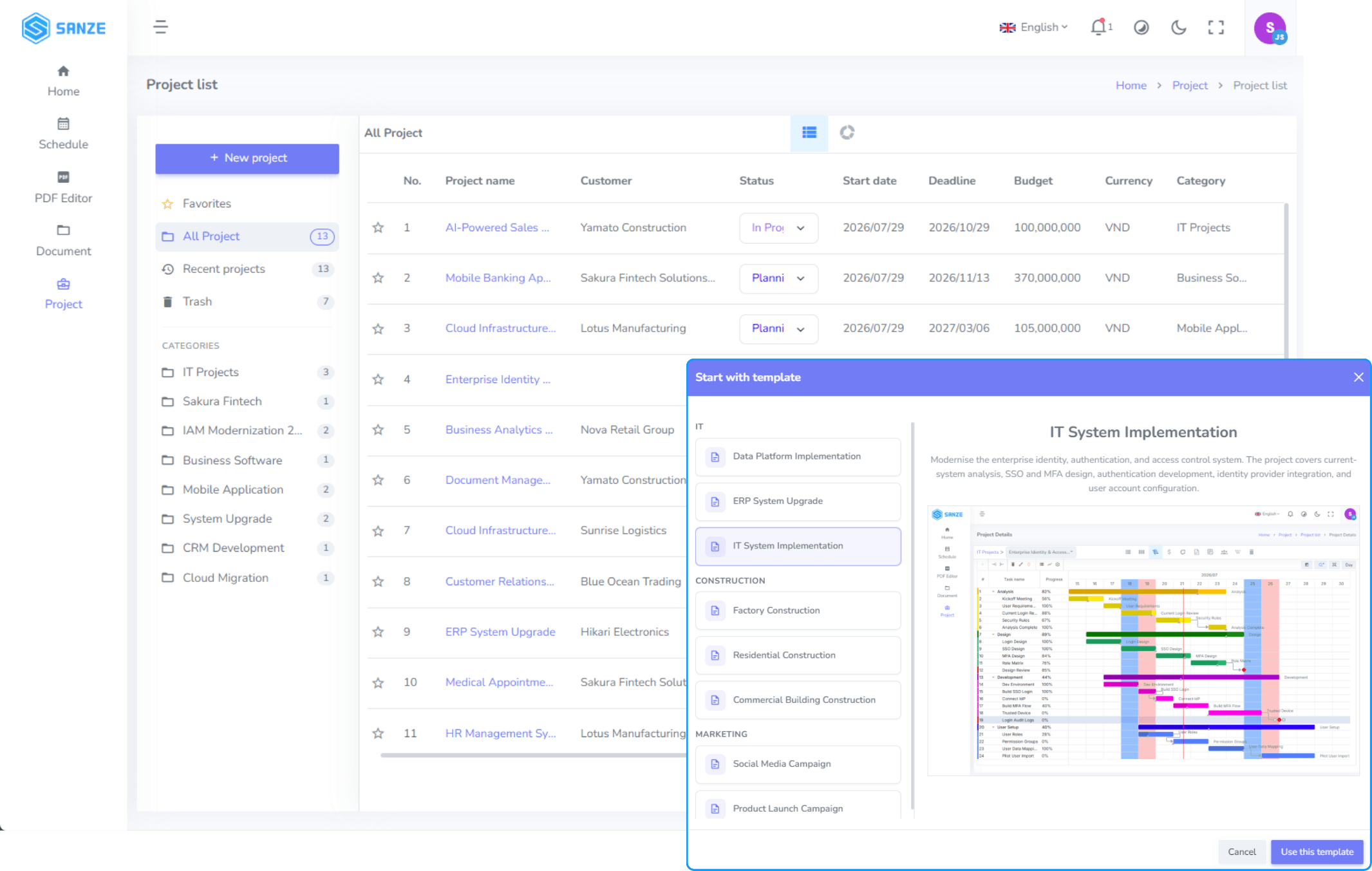
Break projects into tasks, assign owners, and set priorities and deadlines to keep work organized.

Monitor progress with Task List, Kanban, Gantt, or Dashboard, and quickly spot tasks that need attention.

Update task progress, log work, and communicate within tasks to keep everyone aligned.

Review progress, workload, and project performance through dashboards and reports to support better decisions.
Create a new project or start from a template. Define goals, timelines, milestones, and team members from the start.
Break projects into tasks, assign owners, and set priorities and deadlines to keep work organized.
Monitor progress with Task List, Kanban, Gantt, or Dashboard, and quickly spot tasks that need attention.
Update task progress, log work, and communicate within tasks to keep everyone aligned.
Review progress, workload, and project performance through dashboards and reports to support better decisions.
Product Development

Marketing Campaigns

Internal Initiatives

Client Projects
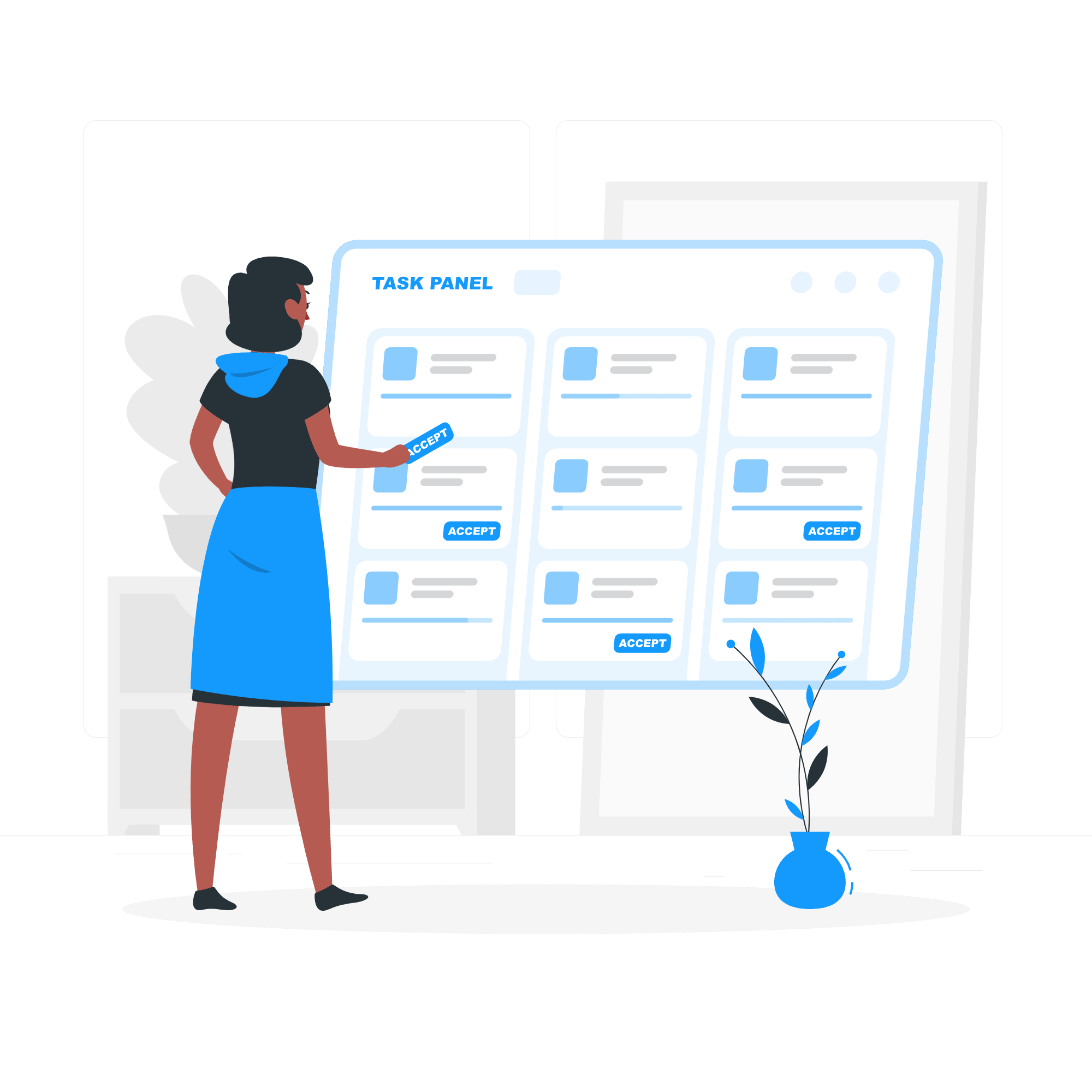
Task Management
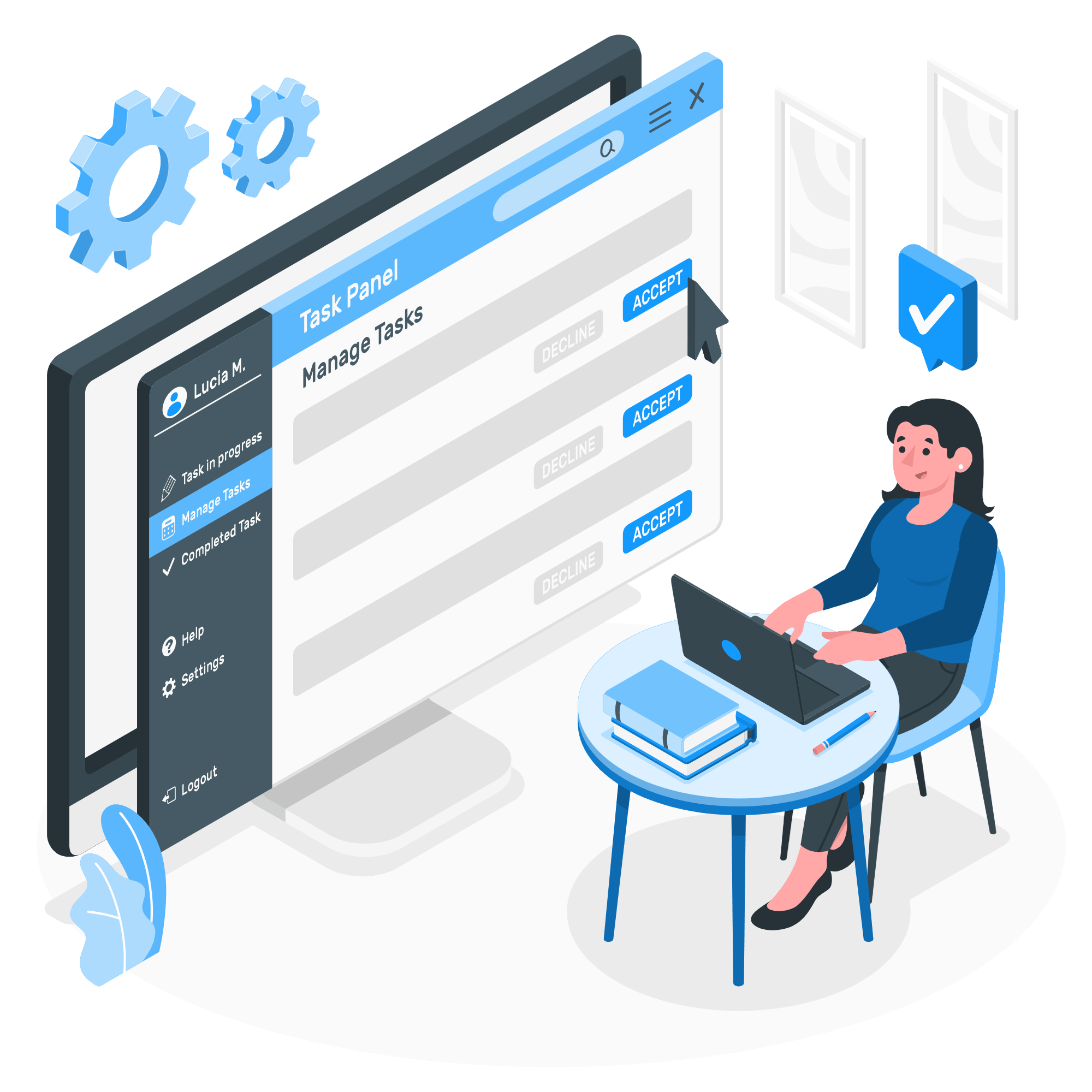
Resource Planning

Team Collaboration

Executive Reporting
If you have any questions, feel free to contact our team at info@lotusys.vn
Manage projects, tasks, progress, and team workloads in one centralized workspace.
Set deadlines for every task and easily see what's on track or needs attention.
Yes. Create and manage as many projects as your team or organization needs.
Yes. Workload View helps you balance assignments and avoid overloading your team.
Create a task, assign an owner, set priorities and deadlines, and track progress in one place.
Yes. Team members can update progress, leave comments, and work together within each task.
Monitor progress using Task List, Kanban Board, Gantt Chart, or Dashboard—whichever works best for your team.
Yes. Record work hours with Log Work to monitor effort and project performance.