SANZE
Menu

Turn Everyday Work into Clear, Completable Tasks

Capture tasks quickly, organize by priority and due date, and collaborate with your team—without leaving your SANZE workspace.

Turn Everyday Work into Clear, Completable Tasks

One Place for the Work That Matters Today

Keep personal follow-ups and shared action items organized with List and Board views, clear priorities, and collaboration built in.

Stay on Top of Work

Capture tasks quickly, set priorities, and keep personal and shared to-dos visible in one place.

List & Board Views

Switch between List and Board to organize work the way your day actually flows.

Share & Collaborate

Assign people, add comments and attachments, and keep everyone aligned on what matters next.

Everything You Need to Finish What You Start

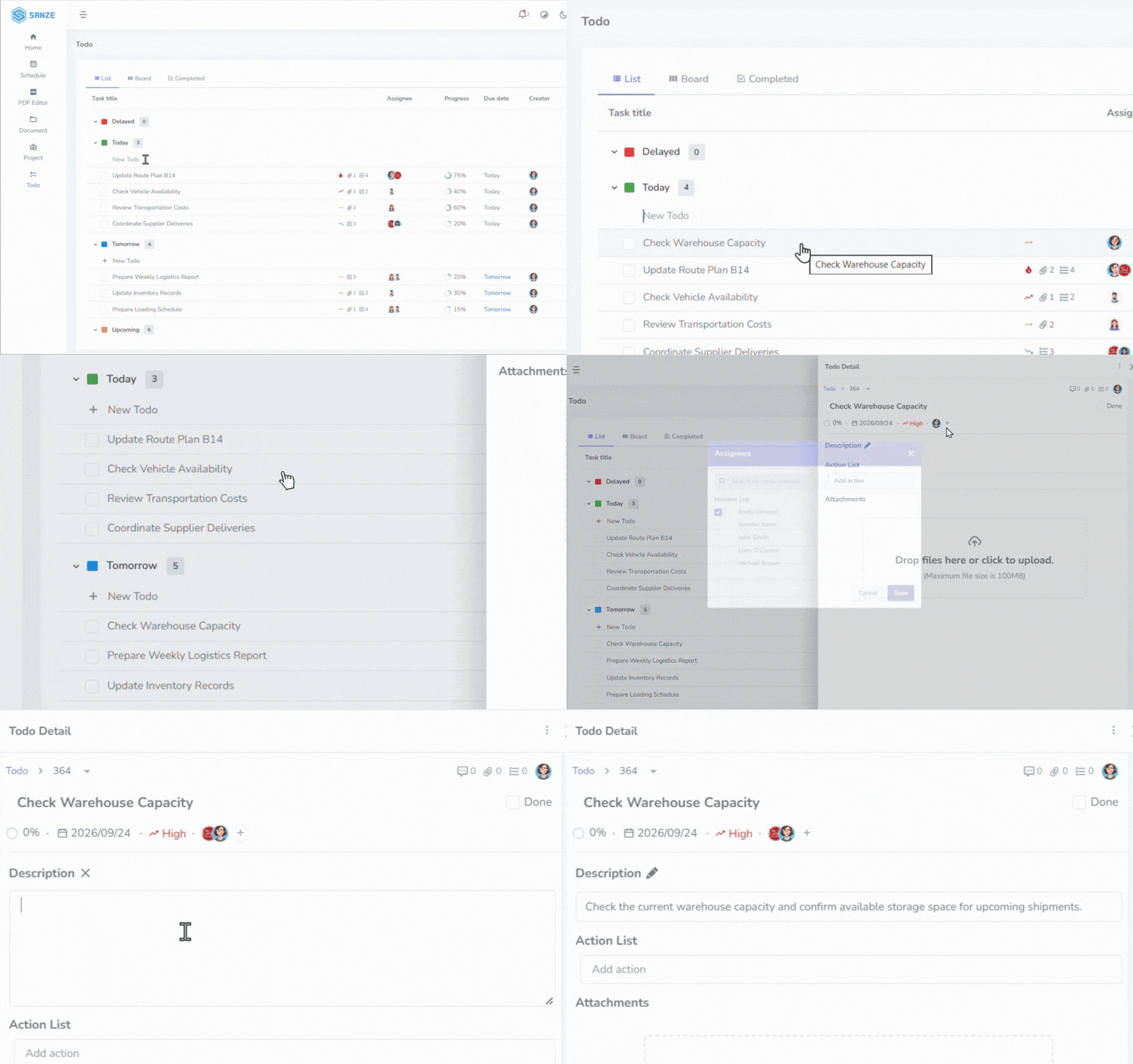
SANZE Todo capture tasks

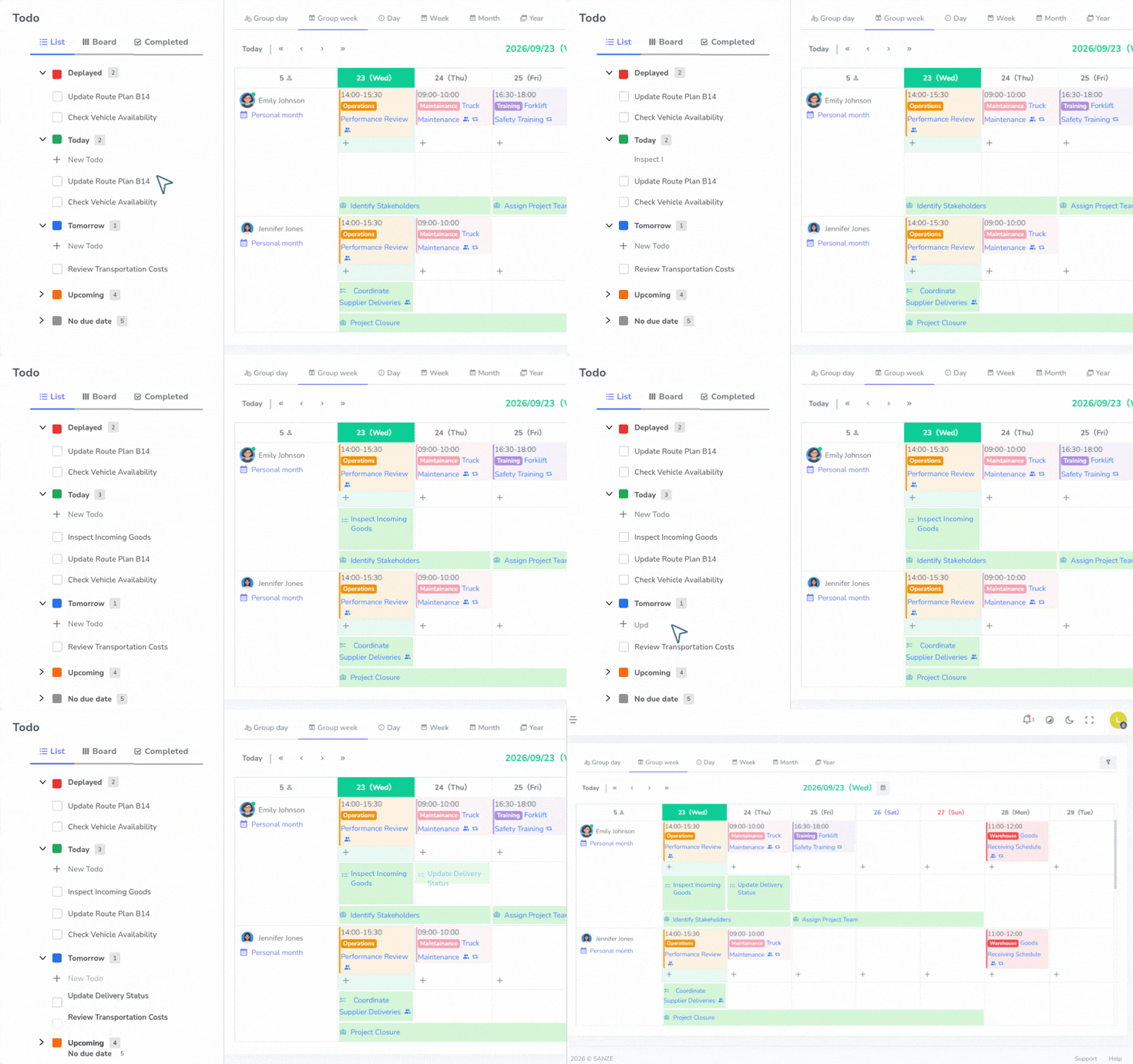
Capture Tasks in Seconds

Add tasks as they come up, organize them by due date sections, and never lose track of what needs attention today.

  • Quick add from List or Board
  • Today, Tomorrow, Upcoming sections
  • Priority and progress tracking
  • Due dates with clear reminders
SANZE Todo list and board views

Work in List or Board

Choose the view that fits your workflow. Move tasks across sections on the board or scan everything in a structured list.

  • List view for clarity and detail
  • Board view for visual progress
  • Completed history when you need it
  • Search across your tasks
SANZE Todo collaboration

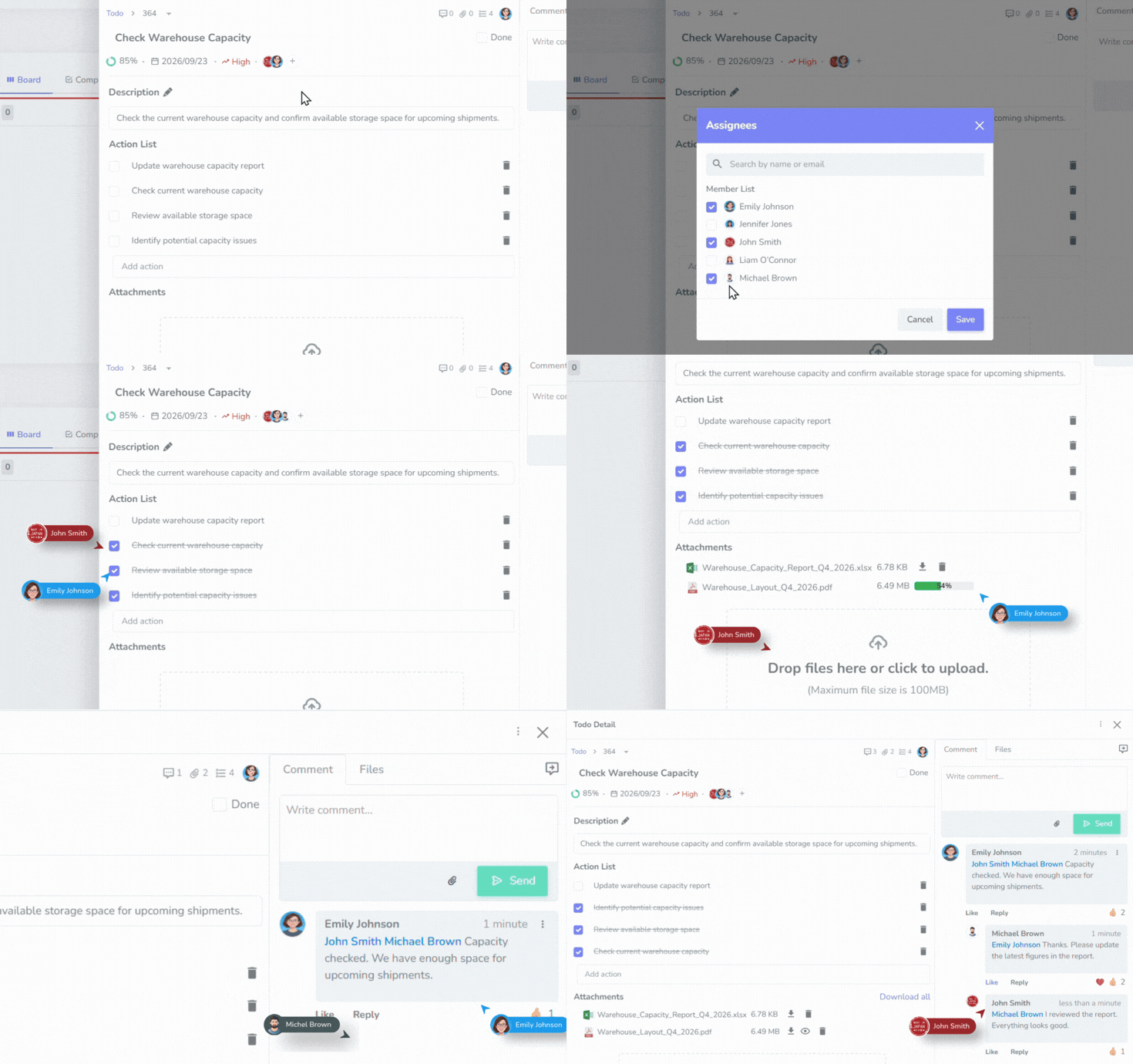
Share Tasks with Your Team

Invite collaborators, assign owners, and keep conversations next to the work instead of scattered across chats.

  • Assignees and shared access
  • Comments and mentions
  • File attachments on tasks
  • Subtasks and job checklists
SANZE Todo connected workspace

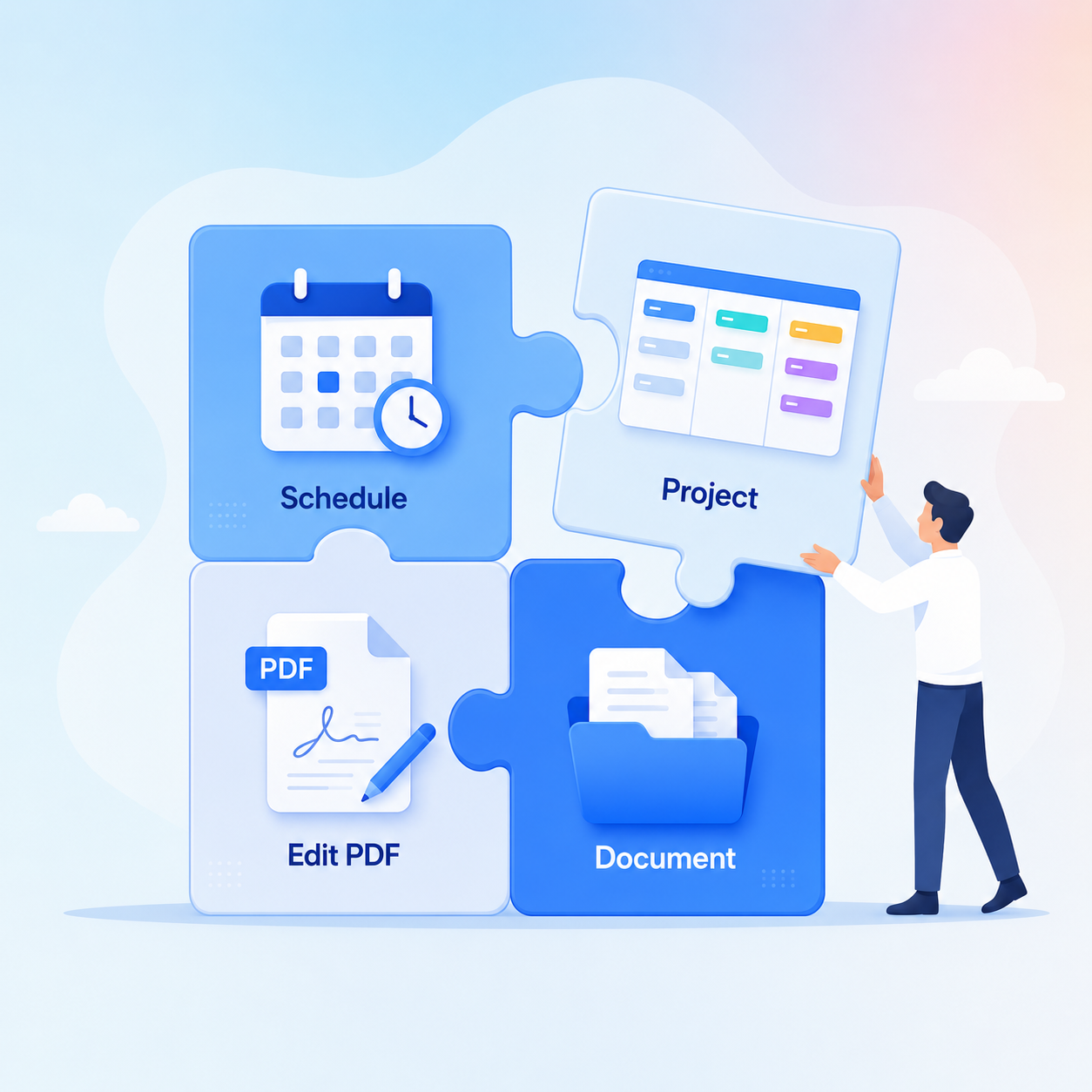
Connected to Your Workspace

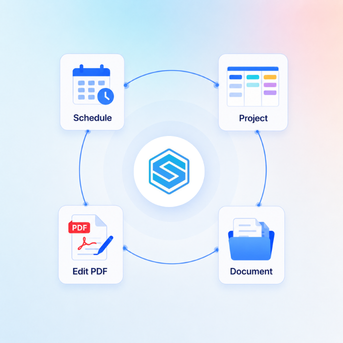
Todo sits alongside Project, Schedule, Document, and PDF Editor so daily tasks stay connected to the rest of your work.

  • Linked with schedules and deadlines
  • Part of your SANZE workspace menu
  • Works for personal and team use
  • Scales as your workflow grows
SANZE Todo capture tasks

Capture Tasks in Seconds

Add tasks as they come up, organize them by due date sections, and never lose track of what needs attention today.

  • Quick add from List or Board
  • Today, Tomorrow, Upcoming sections
  • Priority and progress tracking
  • Due dates with clear reminders
SANZE Todo list and board views

Work in List or Board

Choose the view that fits your workflow. Move tasks across sections on the board or scan everything in a structured list.

  • List view for clarity and detail
  • Board view for visual progress
  • Completed history when you need it
  • Search across your tasks
SANZE Todo collaboration

Share Tasks with Your Team

Invite collaborators, assign owners, and keep conversations next to the work instead of scattered across chats.

  • Assignees and shared access
  • Comments and mentions
  • File attachments on tasks
  • Subtasks and job checklists
SANZE Todo connected workspace

Connected to Your Workspace

Todo sits alongside Project, Schedule, Document, and PDF Editor so daily tasks stay connected to the rest of your work.

  • Linked with schedules and deadlines
  • Part of your SANZE workspace menu
  • Works for personal and team use
  • Scales as your workflow grows

A Simple Workflow for Every Task

From capturing work to collaborating and completing it, Todo keeps your day moving in one continuous flow.

Add a Task

Create a task in seconds, set a title, and place it in the right due-date section.

Add a Task

Organize & Prioritize

Set due dates, priority, progress, and assignees so the most important work stays visible.

Organize & Prioritize

Collaborate

Share the task, leave comments, attach files, and break work into subtasks.

Collaborate

Complete & Review

Mark tasks done, review completed history, and keep moving with a clear backlog.

Complete & Review

Create a task in seconds, set a title, and place it in the right due-date section.

Set due dates, priority, progress, and assignees so the most important work stays visible.

Share the task, leave comments, attach files, and break work into subtasks.

Mark tasks done, review completed history, and keep moving with a clear backlog.

USE CASES

Built for Everyday Follow-Through

Daily personal tasks

Daily personal tasks

Team follow-ups

Team follow-ups

Meeting action items

Meeting action items

Shared checklists

Shared checklists

Client reminders

Client reminders

Ops handoffs

Ops handoffs

Sprint leftovers

Sprint leftovers

Personal goals

Personal goals

Frequently Asked Questions

If you have any questions, feel free to contact our team at

SANZE Todo helps you capture, organize, and complete personal or shared tasks with due dates, priorities, assignees, and collaboration tools.

Yes. Use List for a structured overview or Board for a visual workflow across sections.

Yes. Share tasks, assign people, and collaborate with comments and attachments.

Yes. Set due dates, priorities, and progress so urgent work stays easy to spot.

Yes. Attach files directly to tasks or comments, depending on your plan.

Todo is designed for day-to-day work items and stays connected within your SANZE workspace alongside Project, Schedule, Document, and PDF Editor.

Yes. Completed tasks are kept in history so you can review what has already been done.

Todo is part of the SANZE workspace. Some collaboration features such as sharing or attachments may depend on your plan.